Resize Image in CM
Type the width and height in cm or mm and get a photo that prints at exactly that size. Lock the aspect ratio, or set both sides yourself.
Resize in CM · Step 1 of 3 · Add your photo
Drop an image to resize
or paste with Ctrl+V · JPG PNG WebP HEIC GIF · max 25 MB
Processed on this device. Nothing is uploaded.
Resize
All resize tools
Every ready-made size, already set up. Pick one and drop your image.
Example
Before and after
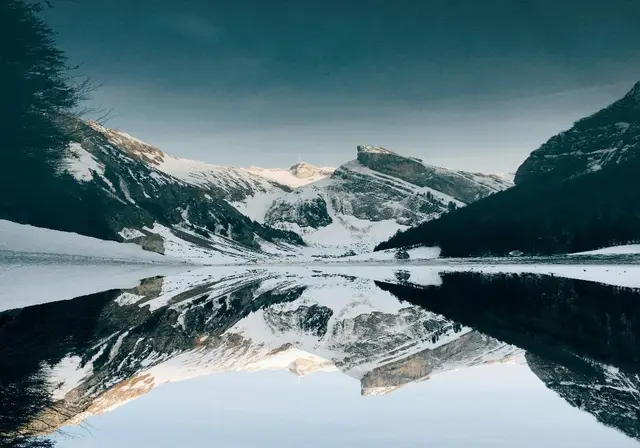
We ran this sample through the resize in cm tool above. The numbers under each image are measured from the real files.

How to
How to resize an image in cm
- 1.
Add your image. Any photo or scan, or a whole batch.
- 2.
Type the size in cm. With the lock on, the height follows the width so nothing stretches. For mm, type cm with a decimal: 35 mm is 3.5.
- 3.
Download. The file carries 300 DPI, so it prints at exactly the size you typed.
Why this size
From centimeters to pixels
Screens only know pixels, so the tool converts your size at 300 DPI: 1 cm becomes 118 pixels and 1 mm about 12. It also writes 300 DPI into JPG and PNG files, so print dialogs and photo shops use your exact size.
Forms that give a photo size in cm usually also set a file limit in KB. Resize here first, then compress the result to the KB the form allows; the size in cm does not change when you compress.
| Size in cm | Pixels at 300 DPI | Used for |
|---|---|---|
| 3.5 x 4.5 | 413 x 531 | Passport size photo |
| 2 x 2.5 | 236 x 295 | Stamp size photo |
| 5.08 x 5.08 | 600 x 600 | 2x2 picture, US passport |
| 8.56 x 5.4 | 1011 x 638 | ID card |
| 10 x 15 | 1181 x 1772 | Photo print |
| 21 x 29.7 | 2480 x 3508 | A4 page |
FAQ
Resize in CM: questions
Checked
How we checked this page
Checked by the SizePort team on .
We test the tool with sample photos before it goes live and check that the sizes on this page match what it produces. Rules and platforms change, so if something here is out of date, tell us and we will correct it.
How the tool works
The tool scales your image once, from the original pixels, to the size you set at 300 DPI, and writes 300 DPI into the file so it prints at that size. Everything happens in your browser; your images are never uploaded.