Exam Photo and Signature Kit
Make the photo, signature, thumb impression and declaration for SSC, UPSC, IBPS, SBI, Railways RRB, NEET UG, JEE Main, CUET UG and CTET. Every file comes out at the exact pixel size and KB range the form asks for.
1Choose your exam
2Add your files
Choose an exam first. We then ask only for the files it need.
3Get your files
Your photo, signature and documents are processed on this device. Nothing is uploaded.
Exam Photo & Signature Kit
Photo and signature by exam
Example
Before and after
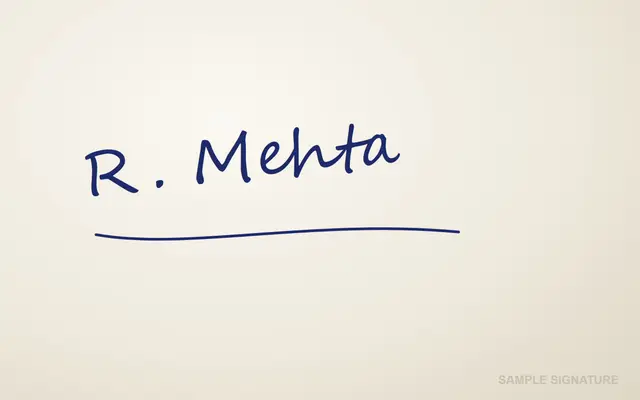
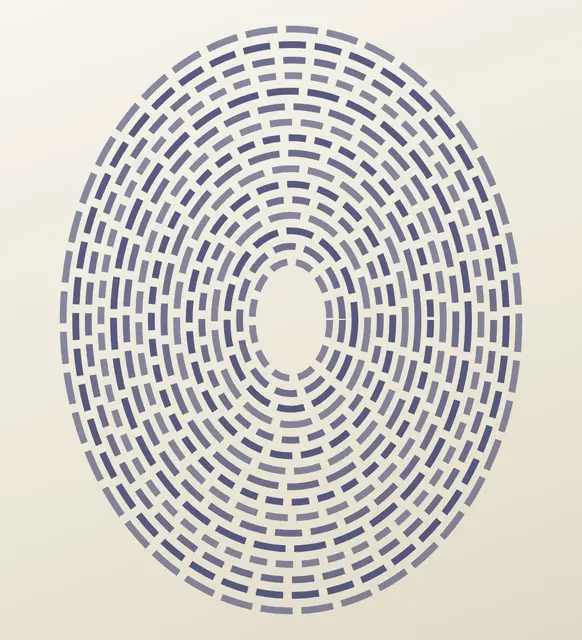
We ran this sample through the exam photo & signature kit tool above. The numbers under each image are measured from the real files.
Photo


Signature
Thumb impression
Declaration
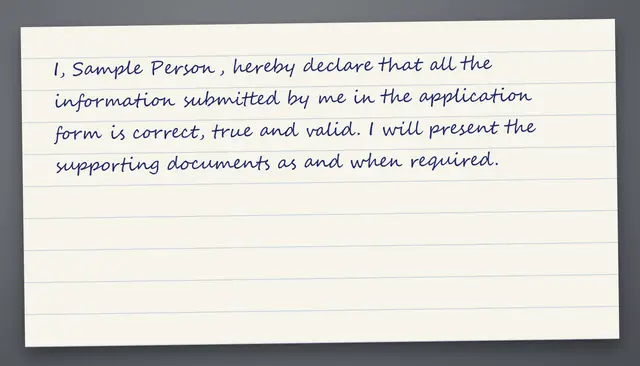
Sample made by the SizePort team, not a real document.
How to
How to make every exam photo and signature at once
- 1
Choose your exams
Tick every exam you are applying for. With a free account the list is saved, so next time it is already there.
- 2
Add a photo and a signature
Frame your face once. For bank exams, also add your thumb impression and handwritten declaration. Scans are cleaned up for you.
- 3
Download everything
One ZIP with a folder per exam, each file already at the right size and inside the KB limit.
Why this size
Why one kit instead of resizing again for every form
Every exam asks for something slightly different. IBPS wants a 200 x 230 photo between 20 and 50 KB, NEET wants 10 to 200 KB plus a postcard size photo, RRB wants a 30 to 49 KB signature. Doing it by hand means guessing quality settings until the size fits, then doing it all again for the next form. The kit knows each rule, so one photo and one signature cover every application.
Requirements
Photo and signature size for each exam
Checked October 2026. Rules change with each notification, so confirm the size in your exam's official notice before you submit.
| Exam | Photo | Signature | Also needs |
|---|---|---|---|
| SSC | Live photo | 10 to 20 KB | None |
| UPSC | 20 to 200 KB | 20 to 100 KB | None |
| IBPS | 20 to 50 KB | 10 to 20 KB | Left thumb impression, Handwritten declaration |
| SBI | 20 to 50 KB | 10 to 20 KB | Left thumb impression, Handwritten declaration |
| Railways RRB | Live photo | 30 to 49 KB | None |
| NEET UG | 10 to 200 KB | 4 to 30 KB | Postcard size photo, Left thumb impression |
| JEE Main | 10 to 200 KB | 10 to 100 KB | None |
| CUET UG | 10 to 200 KB | 10 to 50 KB | None |
| CTET | 10 to 100 KB | 3 to 30 KB | None |
Tips
Tips that make a difference
Sign on plain white paper
SSC and RRB take your photo live
Use a recent photo
Certificates go up as a PDF
FAQ
Exam Photo & Signature Kit: questions
Checked
How we checked this page
Checked by the SizePort team on .
We compare every size and rule on this page with the official sources below, and test the tool with sample photos before it goes live. Rules and platforms change, so if something here is out of date, tell us and we will correct it.
How the tool works
The kit sets each file to the exact pixel size the form gives, then searches for the JPG quality that lands it inside the KB range. If a small file is still under the minimum, it adds an empty comment block inside the JPG, which raises the size without changing the picture. It also writes the DPI the form asks for. Everything happens in your browser; your images are never uploaded.