2x2 Picture Size Maker with Name Tag
The 2x2 picture size is 2 x 2 inches: 5.08 x 5.08 cm, 50.8 mm or 600 x 600 pixels at 300 DPI. Make one for IDs, school and job applications, add a name tag if your form asks for one, then print 6 on a 4R sheet.
2x2 Picture · Step 1 of 3 · Add your photo
Drop an image to resize
or paste with Ctrl+V · JPG PNG WebP HEIC GIF · max 25 MB
Processed on this device. Nothing is uploaded.
Example
Before and after
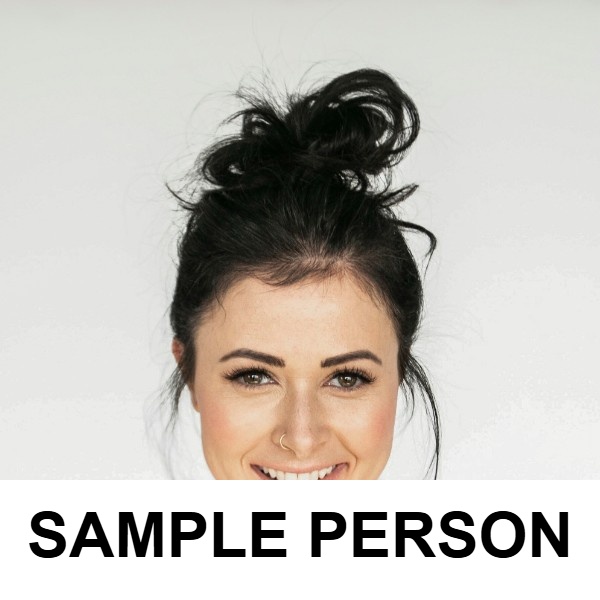
We ran this sample through the 2x2 picture tool above. The numbers under each image are measured from the real files.

How to
How to make a 2x2 picture
- 1
Add a front facing photo
Plain light wall behind you, even light on your face, shoulders visible.
- 2
Crop and add your name tag
The frame is locked to a square. Switch on the name tag and type your full name; the photo is placed above it, never covered.
- 3
Download or print
Save the 600 x 600 px photo for online forms, or the 4R (4 x 6 in) sheet with 6 copies for printing.
Why this size
2x2 picture size in cm, inches and pixels
A 2x2 picture is 2 inches on each side, which is 5.08 x 5.08 cm. At 300 DPI, the standard for printing, that is 600 x 600 pixels.
It is the usual size for school records, IDs and job applications in the Philippines, often with a name tag: a white strip under the photo with your full name. Instead of building it in Word or Canva, crop your photo here and the size, the name tag and the print layout are done for you. For a smaller photo box, the 1x1 picture is half as wide and tall: 2.54 cm square.
A US passport photo is also 2 x 2 inches, but it follows the State Department's rules instead: no name tag, the head 1 to 1 3/8 inches tall and a plain white background. Make that one with the US passport photo maker. To print either size, the 4R sheet is the same paper as a 4x6 photo.
| Measure | Size |
|---|---|
| Inches | 2 x 2 in |
| Centimeters | 5.08 x 5.08 cm |
| Millimeters | 50.8 x 50.8 mm |
| Pixels at 300 DPI | 600 x 600 px |
| Copies on a 4R sheet | 6 |
Tips
Tips that make a difference
Wear a collared top
Write the name as your form wants it
Print at actual size
FAQ
2x2 Picture: questions
Checked
How we checked this page
Checked by the SizePort team on .
We test the tool with sample photos before it goes live and check that the sizes on this page match what it produces. Rules and platforms change, so if something here is out of date, tell us and we will correct it.
How the tool works
The tool scales your image once, from the original pixels, to the size you set at 300 DPI, and writes 300 DPI into the file so it prints at that size. Everything happens in your browser; your images are never uploaded.