Image Compressor: Reduce Image Size in KB
Type the size you need in KB or MB and get a photo just under it. A free photo size reducer for any limit a form, website or email sets.
Custom size · Step 1 of 3 · Add your photo
Drop a photo to compress it under 100 KB
or paste with Ctrl+V · JPG PNG WebP HEIC GIF · max 25 MB
Processed on this device. Nothing is uploaded.
Compress
All compress tools
Every ready-made size, already set up. Pick one and drop your image.
Example
Before and after
We ran this sample through the custom size tool above. The numbers under each image are measured from the real files.
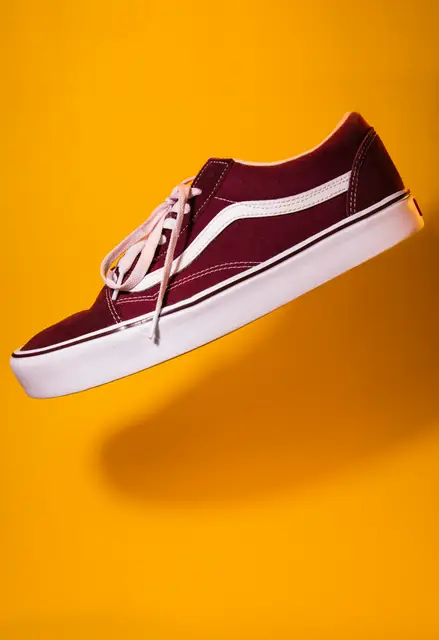
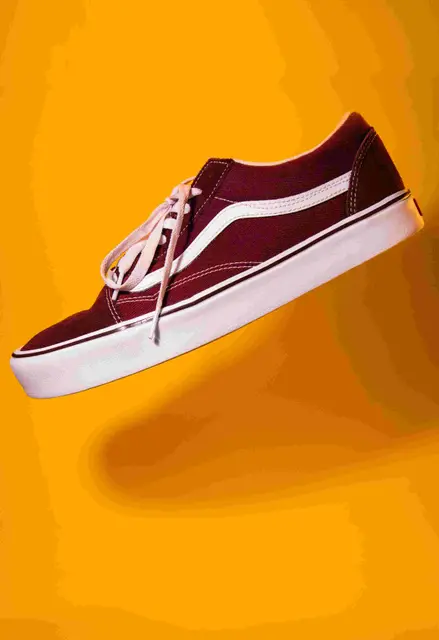
How to
How to image Compressor: Reduce Image Size in KB
- 1
Add your photos
Drop one or many images. They open in this tab and stay on your device.
- 2
Type your limit
Enter the size your form or website asks for, in KB or MB.
- 3
Download
Each file comes out just under your limit, ready to upload.
Why this size
How the compressor reaches your size
It starts at full resolution and lowers the JPG quality in small, careful steps until the file fits. Only when quality alone cannot get there does it shrink the dimensions a little.
That order matters: your photo keeps as many pixels as possible, so faces and text stay sharp even at small sizes.
Most forms use one of a few limits, and each has a page with it already set: 20 KB for exam photos, 50 KB for job portals and 100 KB for most online forms. If the limit is given in MB, the MB to KB converter explains the numbers. If a form says the file is too small, increase the image size in KB instead. For many photos at once, use the bulk image compressor.
FAQ
Custom size: questions
Checked
How we checked this page
Checked by the SizePort team on .
We test the tool with sample photos before it goes live and check that the sizes on this page match what it produces. Rules and platforms change, so if something here is out of date, tell us and we will correct it.
How the tool works
The compressor first lowers the JPG quality at full resolution, testing several settings until the file is just under the target. Only if quality alone cannot get there does it reduce the width and height, a little at a time. The result is a JPG. Everything happens in your browser; your images are never uploaded.