Crop Image Online
Crop a photo to exactly the area you want, free and without uploading. Crop freely, or lock a ratio like 1:1, 4:5 or 16:9 for posts, prints and thumbnails.
Crop Image · Step 1 of 3 · Add your photo
Drop a photo to crop
or paste with Ctrl+V · JPG PNG WebP HEIC GIF · max 25 MB
Processed on this device. Nothing is uploaded.
Example
Before and after
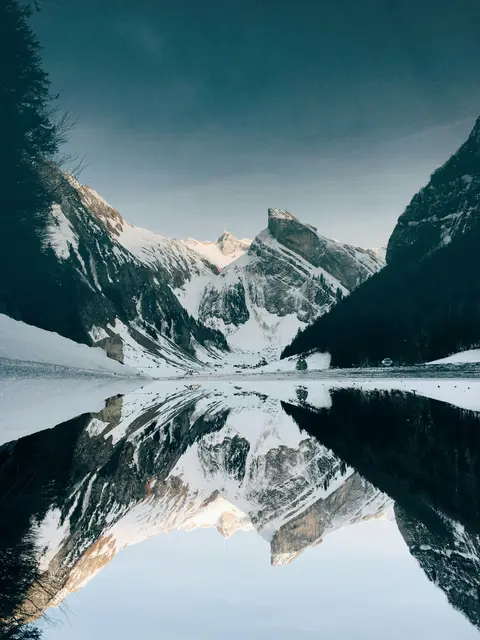
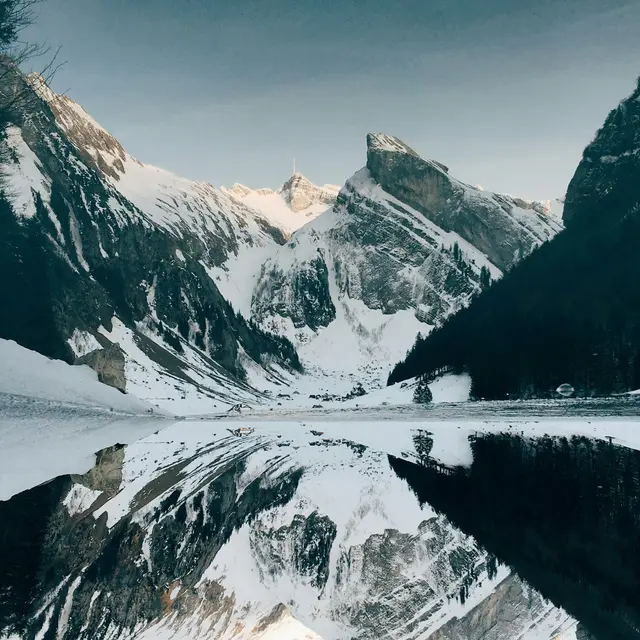
We ran this sample through the crop image tool above. The numbers under each image are measured from the real files.
How to
How to crop an image online
- 01
Add a photo
It opens in the crop frame straight away.
- 02
Pick a ratio and drag
Move the frame and pull its corners. Locked ratios keep the shape.
- 03
Download
Only the area inside the frame is saved.
Why this size
Which crop ratio to use
A ratio is the shape of the frame: 1:1 is a square, 4:5 a slightly tall rectangle, 16:9 the widescreen shape of videos and slides. Locking the ratio keeps that shape while you move and resize the frame, so the result fits where you post it without the app cropping it again.
Cropping never re-scales what is inside the frame, so the part you keep is as sharp as the original. To make the result an exact size as well, crop here first, then resize it to the pixels or cm you need.
| Ratio | Shape | Use it for |
|---|---|---|
| 1:1 | Square | Instagram posts, profile photos |
| 4:5 | Tall | Instagram portrait posts |
| 3:4 · 2:3 | Tall | Portraits and photo prints |
| 3:2 | Wide | 4 x 6 prints, camera photos |
| 16:9 | Wide | YouTube thumbnails, slides |
| 9:16 | Tall | Stories, Reels, Shorts |
Use cases
Common crops
Square posts
1:1 for Instagram, profile pictures and marketplaces.
Portrait posts
4:5 takes up the most room in the Instagram feed.
Thumbnails
16:9 for YouTube, slides and widescreen banners.
Prints
3:2 and 2:3 match standard photo prints.
Documents
Trim a scan to the page edges before converting to PDF.
Faces
Cut a group photo down to one person.
Tips
Tips that make a difference
Crop before you compress
Need an exact size?
Avoid
Common problems and fixes
- The app crops my photo again after uploadingCrop to the shape the app uses, such as 1:1 or 4:5. It then has nothing left to cut.
- The cropped photo is too smallCropping removes pixels. If you need a bigger print, crop less tightly or start from the original photo.
- The frame keeps its shape when I dragA ratio is locked. Choose Free to drag the sides independently.
FAQ
Crop Image: questions
Checked
How we checked this page
Checked by the SizePort team on .
We test the tool with sample photos before it goes live and check that the sizes on this page match what it produces. Rules and platforms change, so if something here is out of date, tell us and we will correct it.
How the tool works
The tool keeps the pixels inside the frame you choose and removes the rest. Nothing is scaled, so the part you keep is as sharp as the original. Everything happens in your browser; your images are never uploaded.