Resize to YouTube Banner Size
Get the exact 2560 x 1440 px size YouTube recommends. Keep text in the middle 1546 x 423 px, which shows on every device.
YouTube Banner · Step 1 of 3 · Add your photo
Drop an image to resize
or paste with Ctrl+V · JPG PNG WebP HEIC GIF · max 25 MB
Processed on this device. Nothing is uploaded.
Example
Before and after
We ran this sample through the youtube banner tool above. The numbers under each image are measured from the real files.
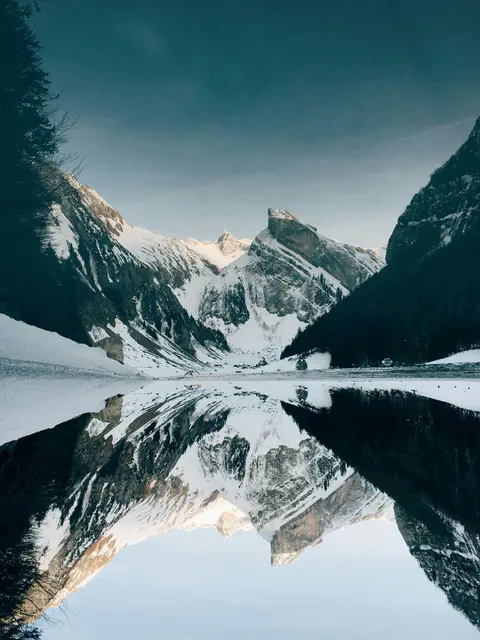
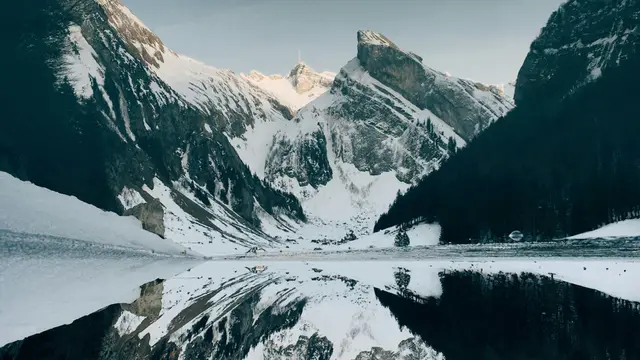
How to
How to resize a photo to youtube banner size
- 01
Add a photo
From your gallery, your camera or a screenshot.
- 02
Fill or fit
Fill crops to 16:9 from the center. Fit keeps the whole photo with a border.
- 03
Download
A 2560 x 1440 px image, ready to post on YouTube.
Why this size
YouTube sizes at a glance
Keep text in the middle 1546 x 423 px, which shows on every device. Uploading the exact size means YouTube does not crop or re-compress your image in ways you did not choose.
The tool scales once, straight to 2560 x 1440, from your original pixels, so the result stays sharp. Start from a photo at least as large as 2560 x 1440: enlarging a small image cannot add detail. For a small old photo, the AI upscaler can redraw it larger first.
| Use | Size |
|---|---|
| Banner image | 2560 x 1440 px |
| Safe area (all devices) | 1546 x 423 px |
| Minimum size | 2048 x 1152 px |
| File size | Up to 6 MB |
Tips
Tips that make a difference
Start from the original photo
Uploads get compressed again
Avoid
Common problems and fixes
- My channel name is cut off on phonesOnly the middle 1546 x 423 pixels show on every device. Keep text and logos there.
- The banner upload is rejectedIt must be at least 2048 x 1152 and at most 6 MB.
- The image looks blurry after postingYouTube enlarges images that are smaller than its size, which makes them soft. Start from the original photo, at least as large as the size above.
FAQ
YouTube Banner: questions
Checked
How we checked this page
Checked by the SizePort team on .
We compare every size and rule on this page with the official sources below, and test the tool with sample photos before it goes live. Rules and platforms change, so if something here is out of date, tell us and we will correct it.
How the tool works
The tool scales your image once, from the original pixels, to the size you set. Everything happens in your browser; your images are never uploaded.