Convert Image to 200 DPI
Set any JPG or PNG to 200 DPI without resizing it or losing quality. The DPI is already chosen, so just add your images.
200 DPI · Step 1 of 3 · Add your photo
Drop images to set 200 DPI
or paste with Ctrl+V · JPG PNG WebP HEIC GIF · max 25 MB
Processed on this device. Nothing is uploaded.
DPI Converter
Set a common DPI
Example
Before and after
We ran this sample through the 200 dpi tool above. The numbers under each image are measured from the real files.
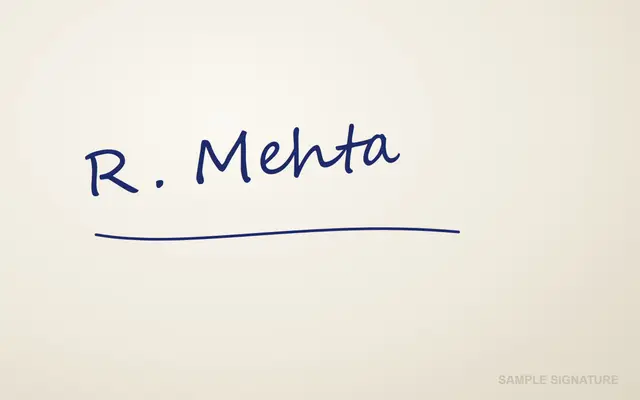
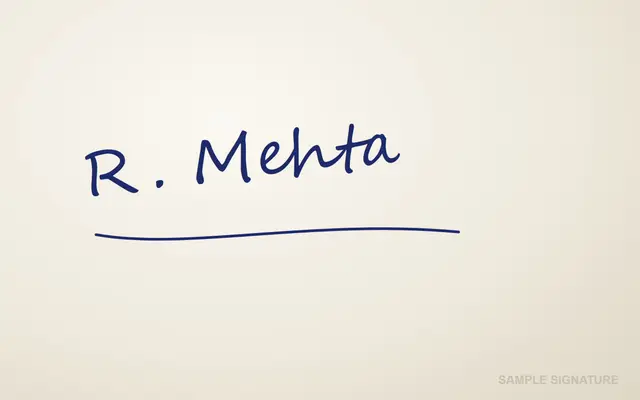
Sample made by the SizePort team, not a real document.
How to
How to convert an image to 200 DPI
- 1.
Add your images. One file or a whole batch.
- 2.
Keep 200 DPI. It is already set. The print size updates in the settings so you can check it.
- 3.
Download. Same pixels, new DPI. Download one by one or as a ZIP.
Why this size
200 DPI, what many Indian forms ask for
Protean (NSDL) PAN applications want the photo and signature at 200 DPI, and IBPS and SBI ask for thumb impressions and declarations at 200 DPI. Portals read the DPI from the file, so a sharp photo labelled 72 DPI can still be refused.
This page writes 200 DPI into the file without changing the pixels, so the upload passes the check.
| DPI | Prints at | In cm |
|---|---|---|
| 72 DPI | 16.7 x 25.0 in | 42.3 x 63.5 cm |
| 150 DPI | 8.0 x 12.0 in | 20.3 x 30.5 cm |
| 200 DPI | 6.0 x 9.0 in | 15.2 x 22.9 cm |
| 300 DPI | 4.0 x 6.0 in | 10.2 x 15.2 cm |
| 600 DPI | 2.0 x 3.0 in | 5.1 x 7.6 cm |
Avoid
Common problems and fixes
- The PAN portal still rejects the photoProtean also checks the size in cm and the KB limit. The PAN photo and signature tool sets all three at once.
- The photo prints larger than expectedAt 200 DPI the same pixels print one and a half times larger than at 300 DPI. That is normal.
FAQ
200 DPI: questions
- How do I change an image to 200 DPI?
- Add the image and download. 200 DPI is already set; nothing else changes.
- Which forms need 200 DPI?
- Protean (NSDL) PAN photos and signatures, and IBPS and SBI thumb impressions and declarations. Always follow the exact rule in your form's instructions.
- Should I also resize the photo?
- If the form gives a size in cm or pixels, yes. For PAN, the PAN photo and signature tool does the size, KB and 200 DPI together.
- Does it change the image itself?
- No. JPG and PNG files keep their pixels exactly. Only the DPI value in the file changes.
- Are my images uploaded?
- No. Everything runs in your browser.
Checked
How we checked this page
Checked by the SizePort team on .
We compare every size and rule on this page with the official sources below, and test the tool with sample photos before it goes live. Rules and platforms change, so if something here is out of date, tell us and we will correct it.
How the tool works
The tool changes only the DPI value stored in the file header. The pixels, the colors and the image data stay exactly as they were, so nothing is re-compressed. Everything happens in your browser; your images are never uploaded.